Guide · GEO Observer
How does
GEO Observer work?
It is dead simple. Follow these steps to start measuring your Share of Voice in AI.
Do not have it yet? One click to install, free forever
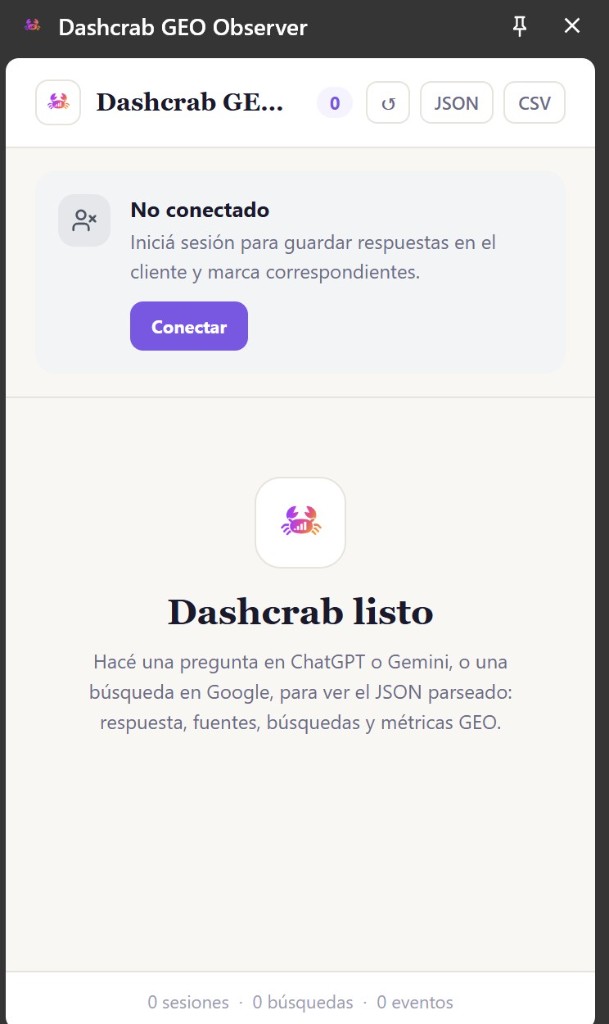
Open the extension in Chrome and go to your go-to LLM
Once installed, the extension opens in a native side panel next to ChatGPT, Gemini, or Google.
Ask the high-intent question that matters
For this example we searched «tickets for Universal Studios in Argentina», to see whether Almundo showed up in the answers.
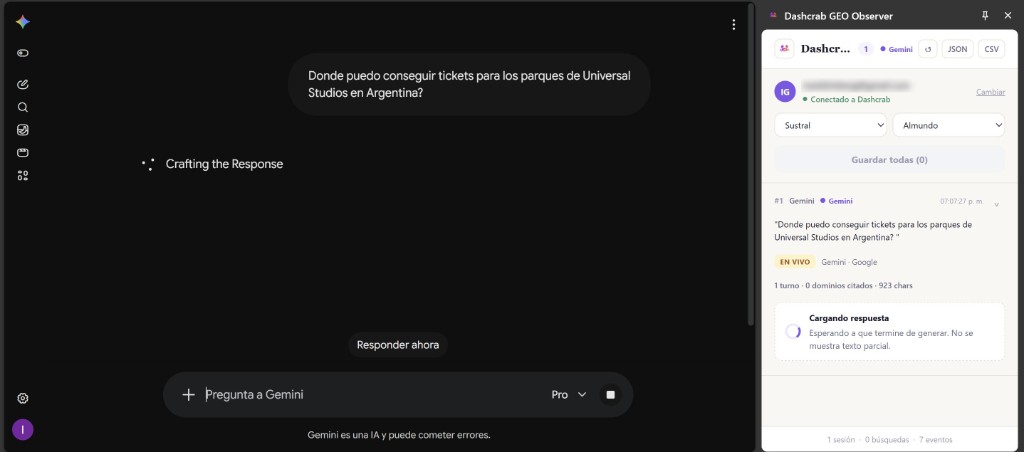
The extension instantly captures the answer and pulls out the citations
The surprise? Almundo did not show up: the AI ended up backing its recommendation with competitor URLs like Expedia.


Save the record and analyze your Share of Voice
You can export that data as CSV or JSON, or connect it to your Dashcrab account to keep the record and see your real Share of Voice in AI against your competitors.


If instead of watching by hand you want automatic measurement every week, that is AI Visibility Score.
Start free
Try it on your own category.
Install it, ask one question, and you already have the first evidence of how AI sees you.